Rust KillFeed Generator
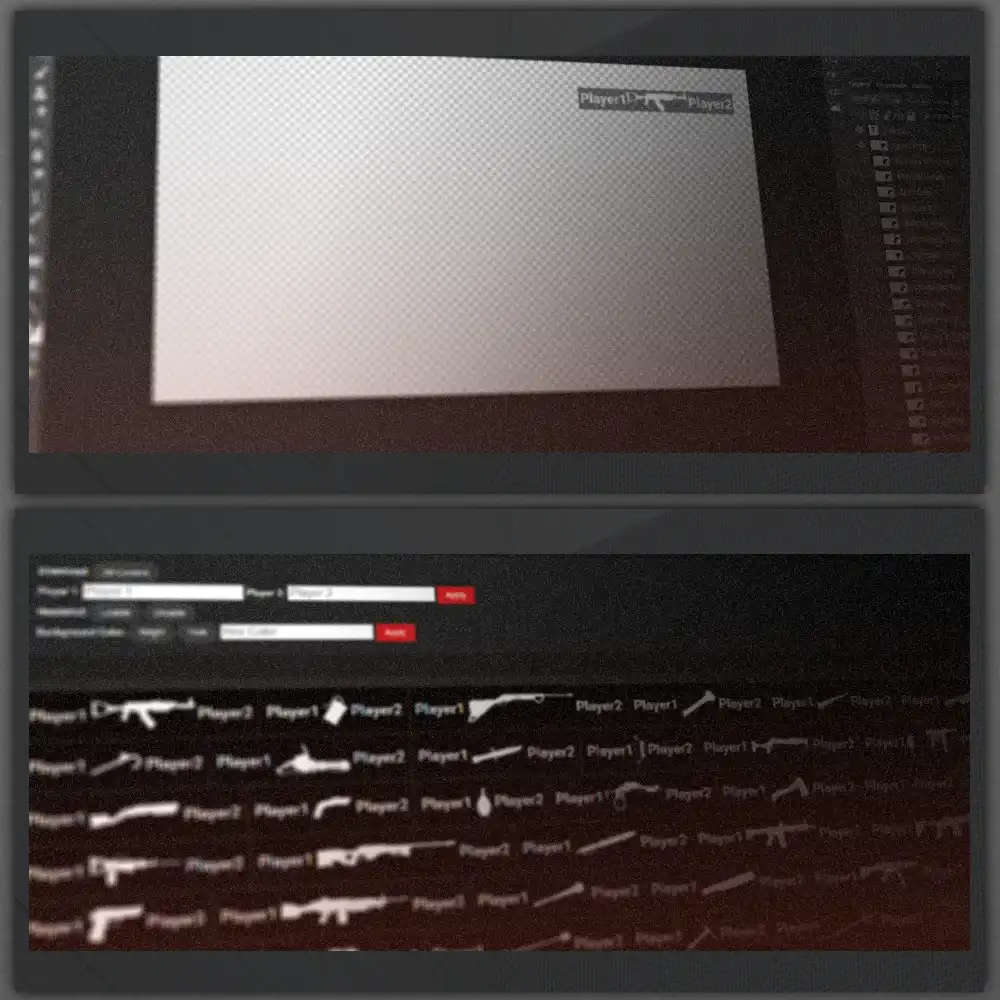
Design clean RUST death-notice overlays for your videos in a few clicks. Pick a weapon, fine-tune the look in the Customizer, and download a ready-to-use image.
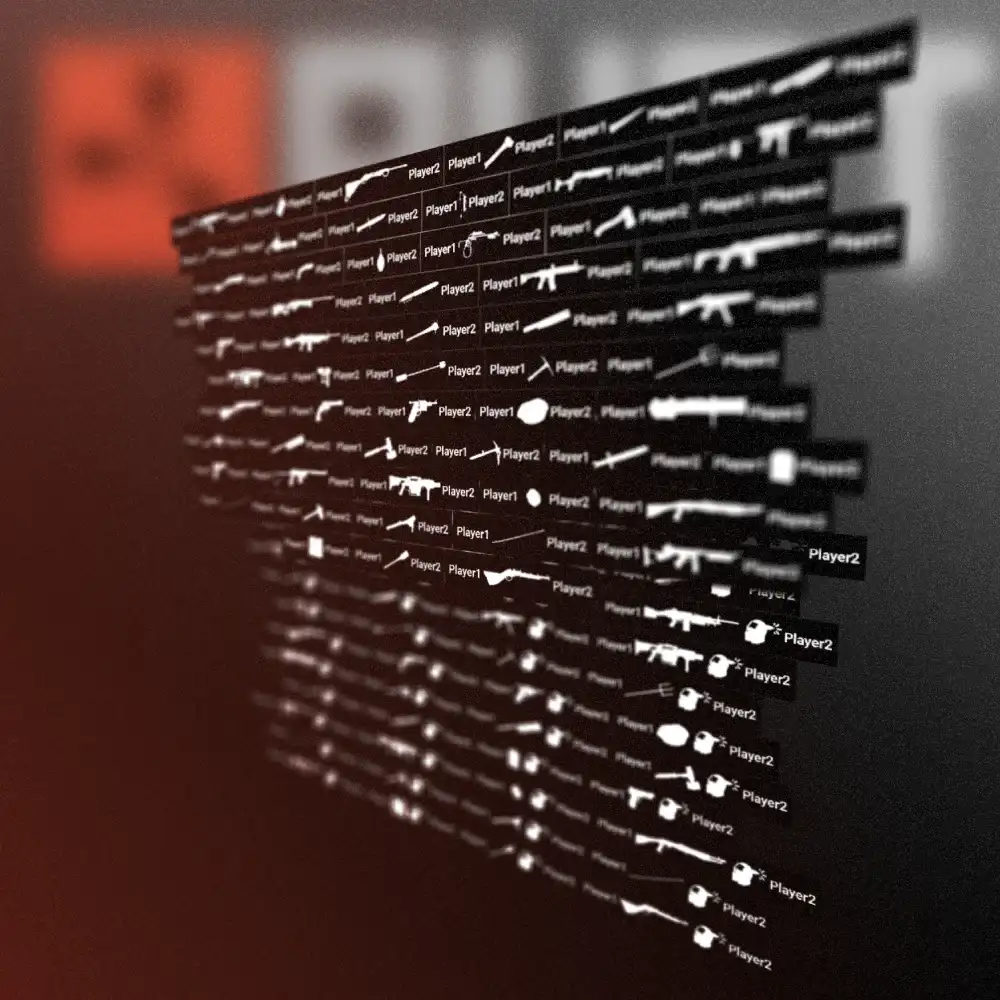
- 57weapons
- Instantexport
- Freeto use
Pick your killfeed
Click any weapon below to load it into the preview.
Preview
Your pick appears here. Open the Customizer to adjust names, colors and style.
Pick a weapon from the list to Preview in Media here.
Preview in Media
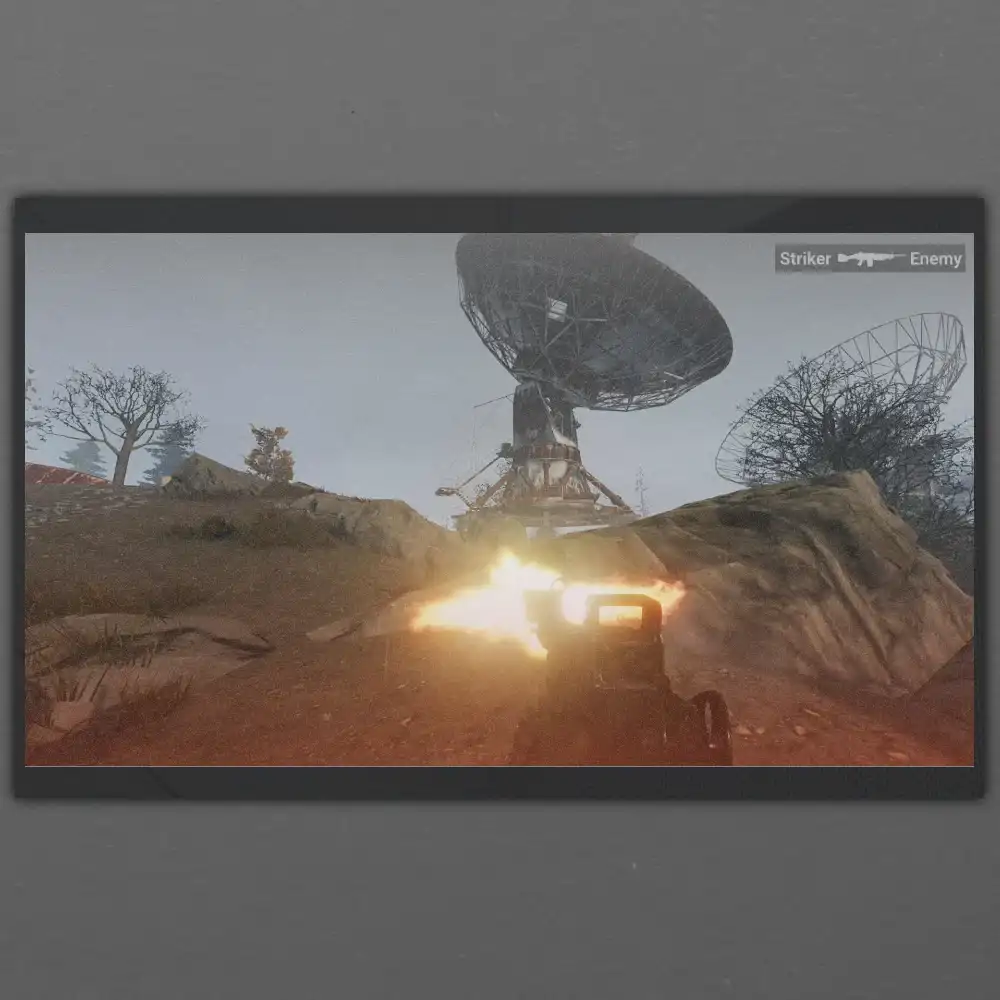
Check the same killfeed over real gameplay footage or a screenshot.
Upload your own screenshot, then add the selected killfeed to the photo.
Download your killfeed
Your selected killfeed is rendered as a high-resolution PNG with a transparent background.
Your image will appear here after the first conversion.
Transparent PNG. If the download doesn't start, right-click the preview and choose Save image as…
- High-resolution PNG
- Transparent background
- No account needed
From KillFeed Generator
How to use
New here? See how to pick a killfeed, customize it, and download the final image.
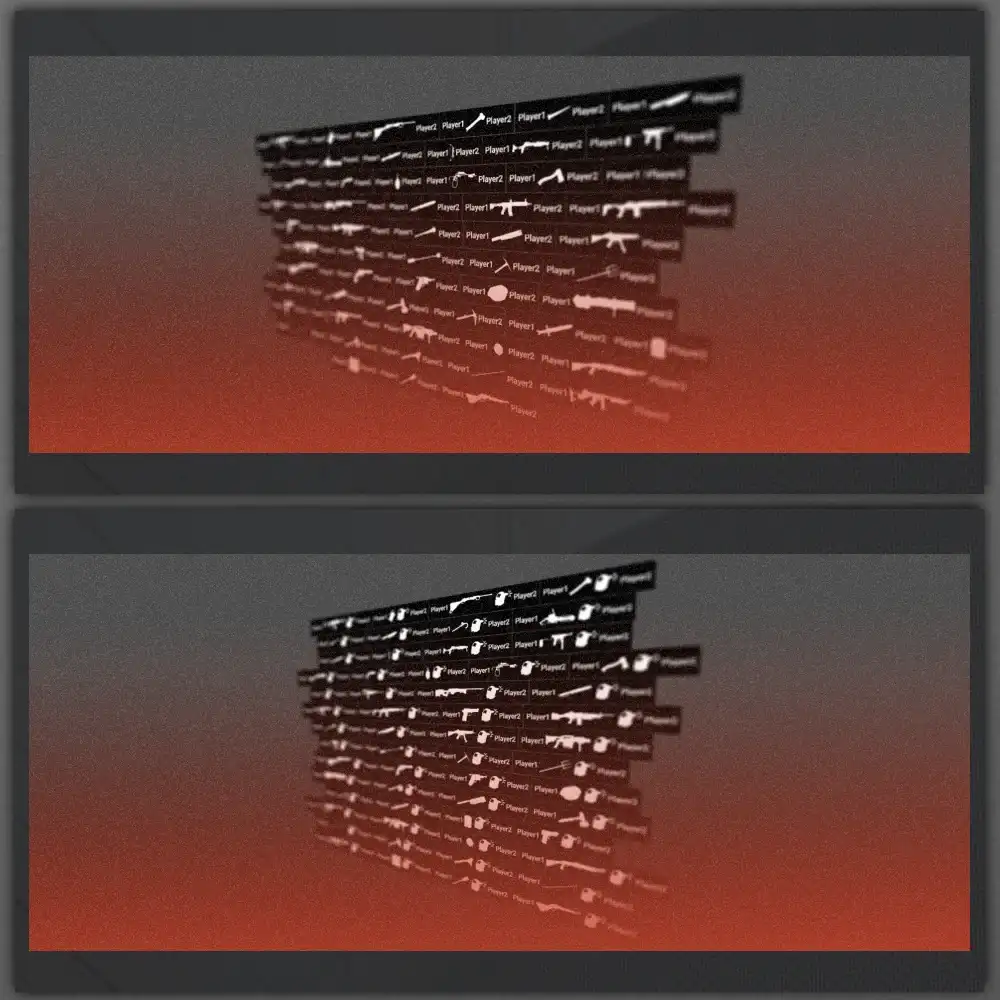
Rust Icons
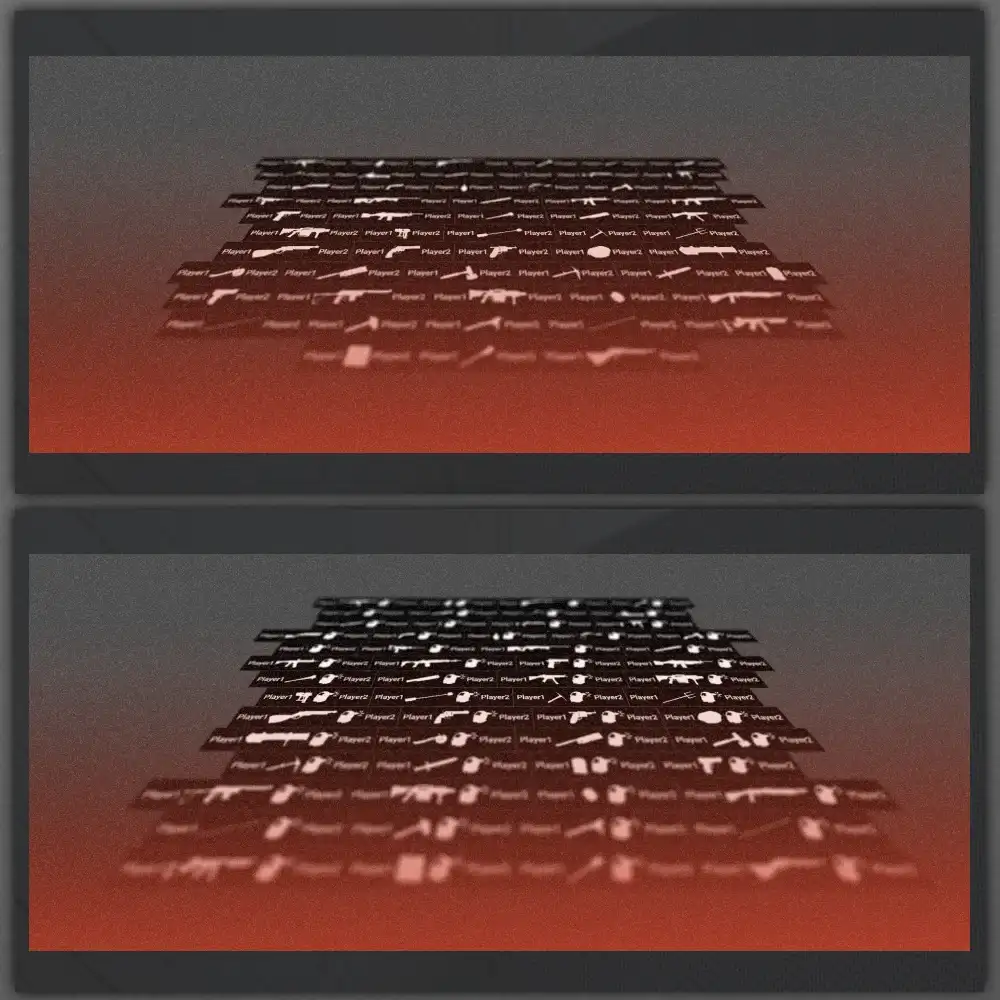
All weapon icons were created manually in-game via green screen. All usage rights reserved.
About Video Editing
Showcase your skills, compete with top creators, and gain massive exposure in the Rust Editing Contest..
About
Video Editing Competitions
The Rust Editing Contest challenges veteran and rising creators to prove their skills and gain valuable exposure.
View Competitions
Video Clips
Free Rust clips packs for video editing.
Packs have POV, cinematics, and sound effects of the game.
Downloand